

From the story in your head
to a story you can share.
Six signposts for your journey. Story Spark is the starting point, wherever you are with the story already.
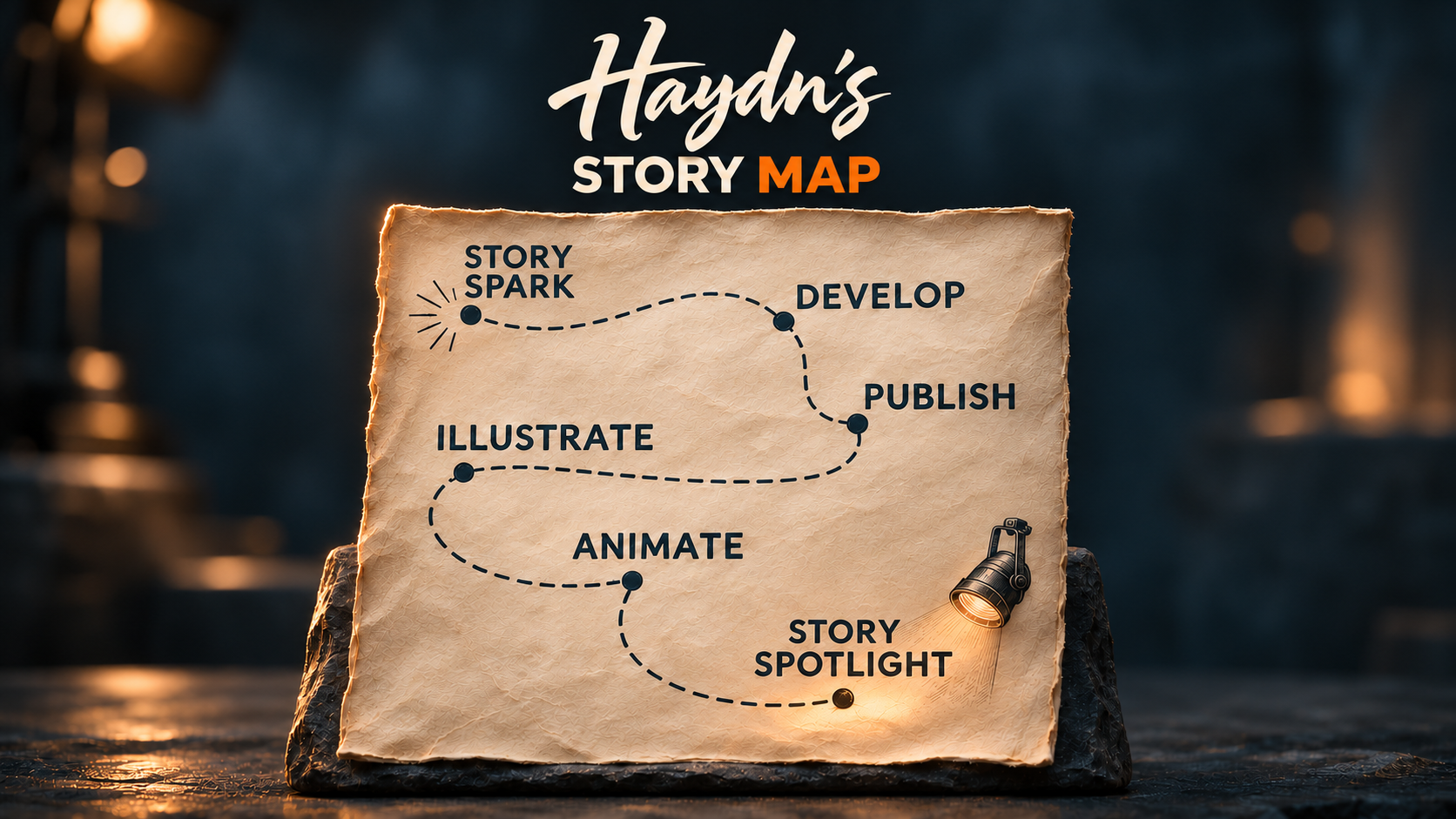
- 01Story Spark
Begin with the story that keeps coming back.
- 02Develop
Ask the questions that make it stronger.
- 03Publish
Create a finished work to share or sell.
- 04Illustrate
Build its visual world and voice.
- 05Animate
Shape the shots that tell the story.
- 06Story Spotlight
Help a developed story find its audience.
Story Spark
The story that won’t leave you alone
There’s a story that keeps coming back to you. It might keep you awake at night, live somewhere in your heart, or leave you with an itch to do something about it—someday.
Perhaps it’s only an idea. Perhaps you’ve written scenes, filled notebooks, or reached what feels like a finished draft. Whatever form it takes, you feel drawn to bring this story into the world.
That’s your Story Spark. It’s where you begin, with whatever you already have.
Develop
Give your story the scrutiny it deserves
A story you love deserves thoughtful development—even if you’ve already reached what feels like a finished draft.
My strong recommendation is to work through Scriptlaunch’s story-development tool. In my experience, it acts like a script doctor alongside you: asking questions, challenging assumptions, and helping you see what your story still needs.
You remain the storyteller. The aim is to develop your story into something you’re ready to give a finished form.
Explore ScriptlaunchAn external tool, personally recommended by Haydn.
Publish
Give your story a finished form
Turn your developed story into something complete that you can put into someone else’s hands. It might be a final-draft screenplay, an eBook, or an audiobook—ready to send, share, or sell.
This can be a destination in its own right, or the foundation for exploring your story further through illustration and animation.
Illustrate
Give your story a look and a voice
Create AI reference images for your characters, costumes, locations, and vehicles—including animals, creatures, and droids. Explore the visual style of your story and gather voice references for its characters.
Together, these become a reusable asset library you can return to as your story grows. Use them to create an eBook cover, illustrate scenes, or prepare to animate part—or all—of your story.
Explore narrative music as a story mood board →Animate
Bring your story to life
Bring your reference images and story assets together to tell a story. Most often, this means creating AI video, but it could also mean shaping a graphic novel or comic book, where the narrative unfolds through a sequence of still images.
You might animate a complete story, explore a single scene, create an AI trailer or story pitch trailer, or combine images and video clips with audiobook narration for a short promotional piece.
Choose the form that serves your story and the part you want to share.
Find your shots with Story Videogame →Story Spotlight
Give a great story a wider audience
Bring your developed story to a wider audience through a story trailer, a story pitch trailer, or a narrative music video.
Story Spotlight is a curated collection, with each featured video linking viewers to the developed or finished story behind it.
See what makes a Spotlight candidate →Have a story you need to share?
A question, an idea, or a project taking shape—I’d love to hear from you.